
Category

Updates

All articles related to Updates.
Trading Vault stat widgets update
Updates

Trading Vault Update: New Stat Widgets for Smarter Insights

Explore Trading Vault’s latest update with new stat widgets, improved averages, and enhanced performance tools designed to sharpen your trading edge.
Robert Sandona

Robert Sandona

Trading Vault workflow update
Updates

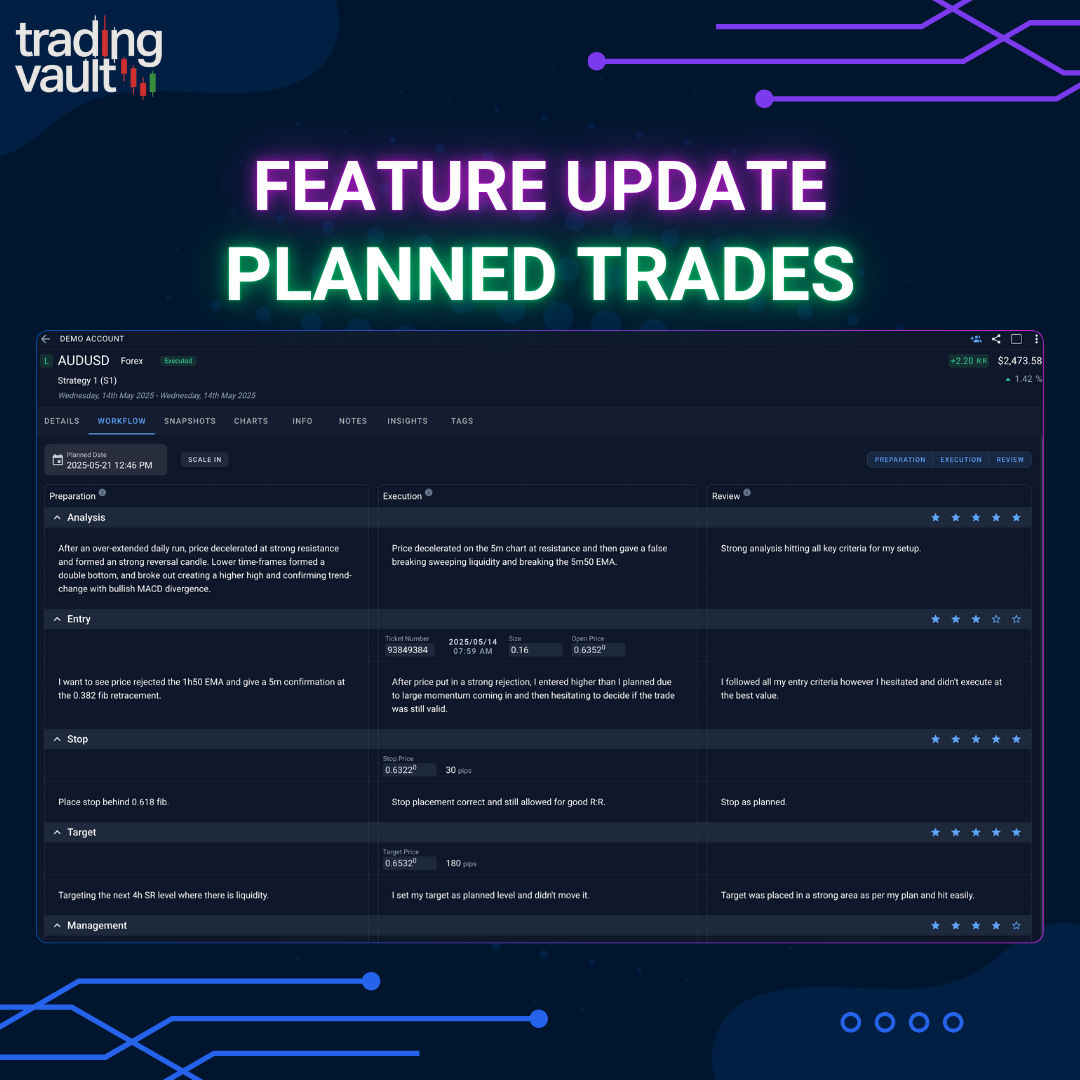
Plan, Execute, Review: Trading Vault's Most Powerful Update Yet

Unlock the full power of structured journaling with Trading Vault’s new Plan → Execute → Review workflow, ideal R:R tracking, and direction prediction.
Robert Sandona

Robert Sandona

Trading Vault timeline and trade views
Updates

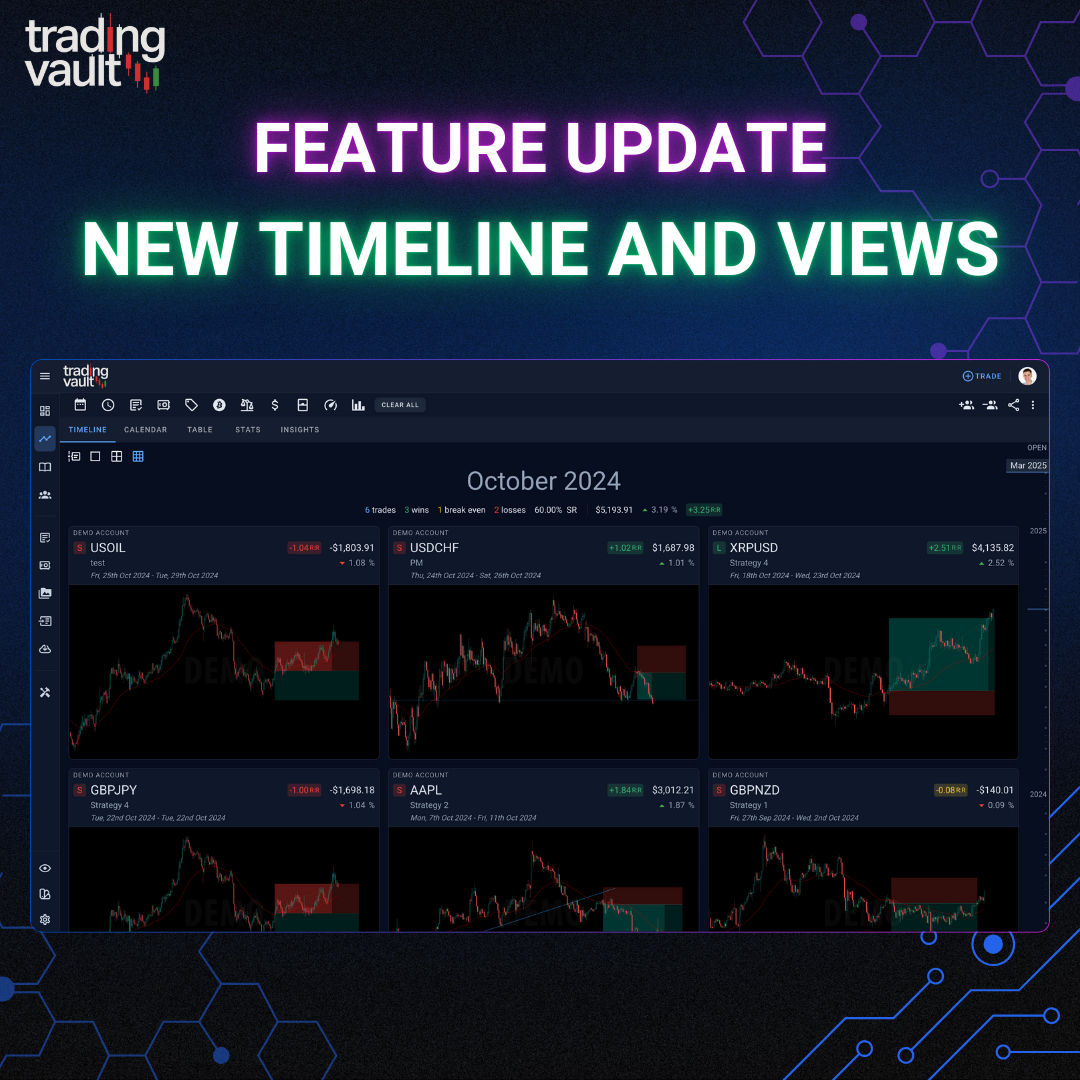
Faster, Smarter Trade Browsing Is Here

Trading Vault just got a huge upgrade to how you browse, filter, and review trades—with blazing fast views, timeline memory, and open trade filtering.
Robert Sandona

Robert Sandona

Trading Vault App Update: Customizable Themes and Colors
Updates

Trading Vault's Stunning Makeover: Customize Your Trading Experience

Explore Trading Vault's exciting new update featuring new themes, and enhanced visuals, for a seamless trading experience.
Robert Sandona

Robert Sandona

Text Templates and Notebook Upgrade in Trading Vault
Updates

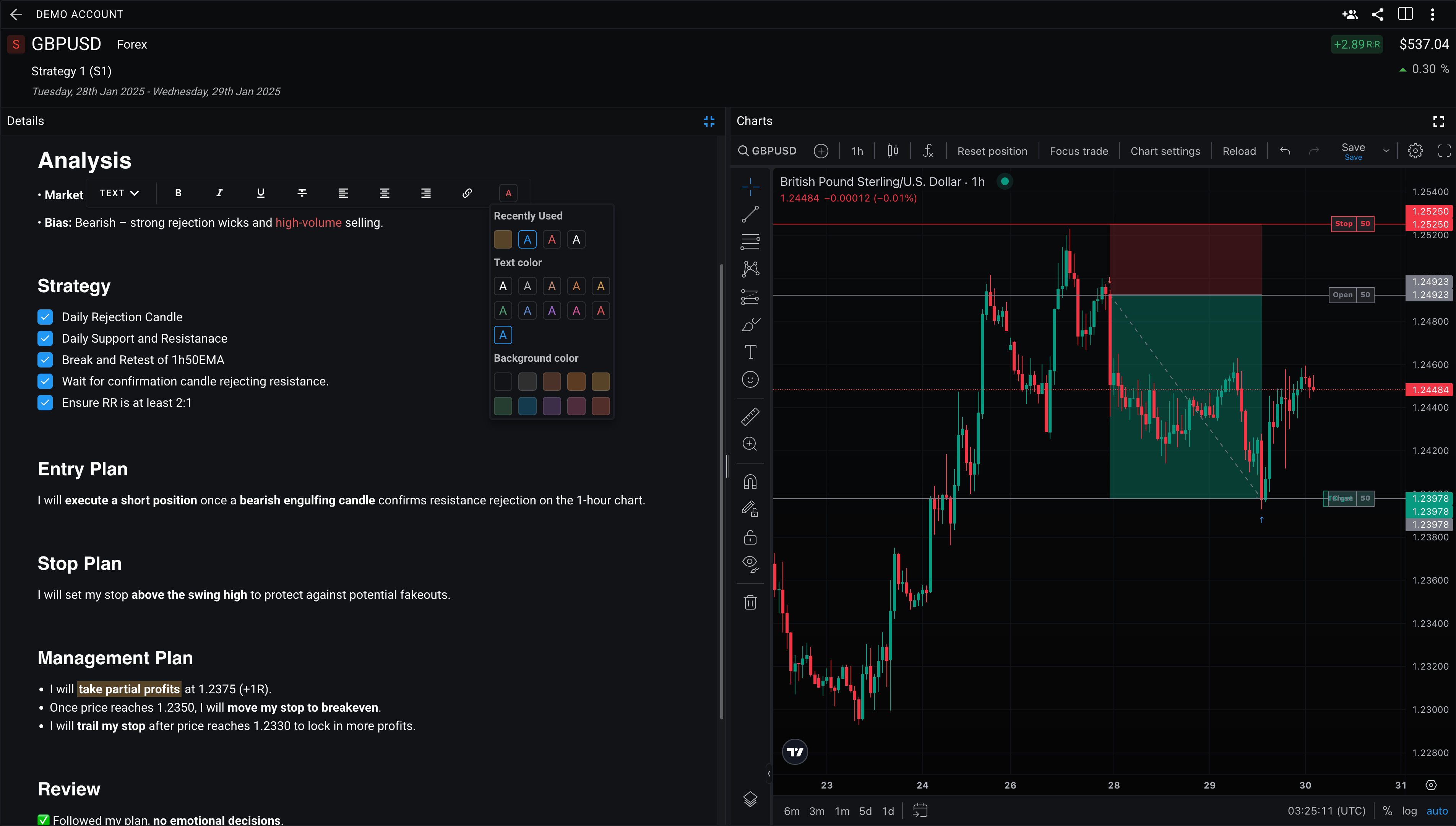
Streamline Your Trading Journal: Text Templates & Notebook Upgrade

Save time journaling with text templates and an upgraded notebook in Trading Vault. Quickly insert pre-written sections and enjoy a sleek, organized workflow.
Robert Sandona

Robert Sandona

Enhanced Trading Vault Editor
Updates

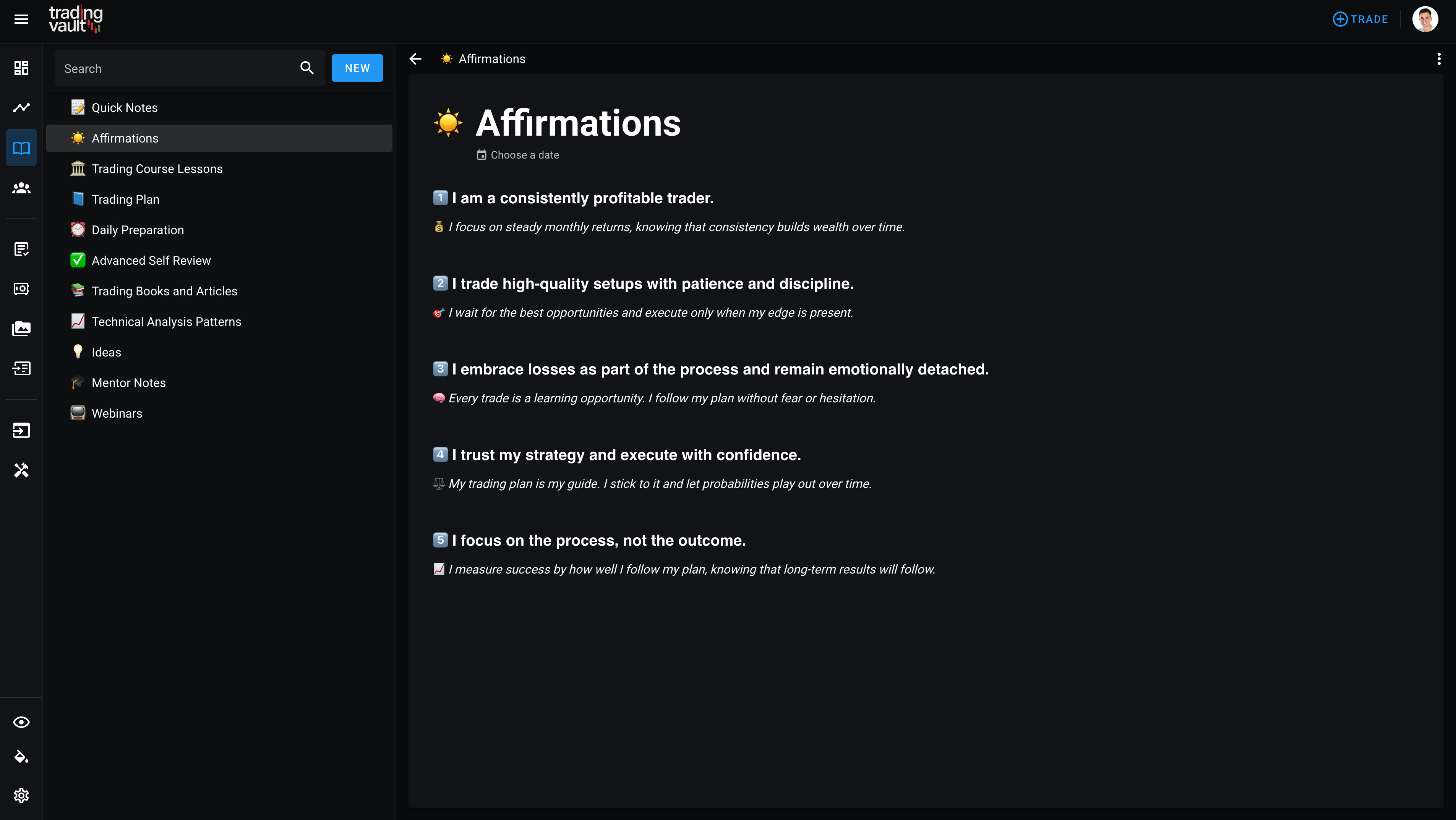
The Enhanced Trading Vault Editor: A Game-Changer for Your Journal

Discover Trading Vault's new Notion-like editor! Featuring slash commands, drag-and-drop blocks, markdown shortcuts, and more for effortless journaling.
Robert Sandona

Robert Sandona

New Stats, Widgets, and UI Enhancements
Updates

New Stats, Widgets, and UI Enhancements!

Explore our October Update, featuring a fresh UI, revamped trade cards, and powerful new stats like Trade Expectancy, Risk-Adjusted Expectancy, and Consistency %. Plus, meet the Trading Mastery Score, designed to measure your overall trading performance on a scale of 0 to 100. Discover flexible tracking tools, enhanced widgets, and a seamless experience tailored to boost your trading insights and performance.
Robert Sandona

Robert Sandona

Trade Importing with MetaTrader 5 auto-sync
Updates

MetaTrader Autosync

This blog post introduces Trading Vault's new MetaTrader 4 & 5 auto-sync feature, allowing users to automatically pull trades into their Trading Journal for effortless tracking and review. It also highlights the addition of 1-click broker importing and customizable import settings for unsupported brokers, along with making trade strategies optional fields.
Robert Sandona

Robert Sandona

Trading View Advanced charts automatically plot your trades.
Updates

Revolutionizing Trade Analysis with Integrated Advanced TradingView Charts!

Trading Vault introduces interactive charts powered by TradingView. Learn how Trading Vault’s latest feature can revolutionize your trade analysis with interactive charts, deep historical data, charting customization, and trade history capture. Explore the new symbol picker and access over 1100+ assets with ease. Start your free trial today and discover the truth behind every trade.
Robert Sandona

Robert Sandona

Trading Vault timeline showing the new add trade button
Updates

Add Trade Button Relocated

Our latest update includes some important changes based on your valuable feedback including add trade button relocated, timeline enhancements and profit percentage renamed.
Robert Sandona

Robert Sandona

Enhance Your Journaling Experience with Custom Trade Layouts – Tailor Your Workspace Today!
Updates

Custom Trade Layouts

Elevate Your Trading Experience with Custom Trade Layouts, Full-Screen Mode, Snapshots, and More! Explore our exciting new features designed to take your trading to the next level. Learn how we're simplifying your workflow and enhancing your trading capabilities.
Robert Sandona

Robert Sandona

Trading Vault modal explaining quick group sharing via link for multiple trades.
Updates

Public Group Sharing

This post announces the latest updates to Trading Vault Groups, based on user feedback. One of the major updates is that you no longer need an account to view a public group. The addition of a quick share button on the trades screen allows users to generate a link to share multiple trades without needing to create a group first. These quick groups maintain all the functionality and power of groups, and can be accessed via the groups page where users can perform various actions like adding/removing trades, viewing stats, using filters, renaming the group, and sending invites to friends. Quick groups are set to public and hidden by default, so anyone with the link can access them, but they are not searchable from the groups explore page.
Robert Sandona

Robert Sandona

Page 1 of 4